

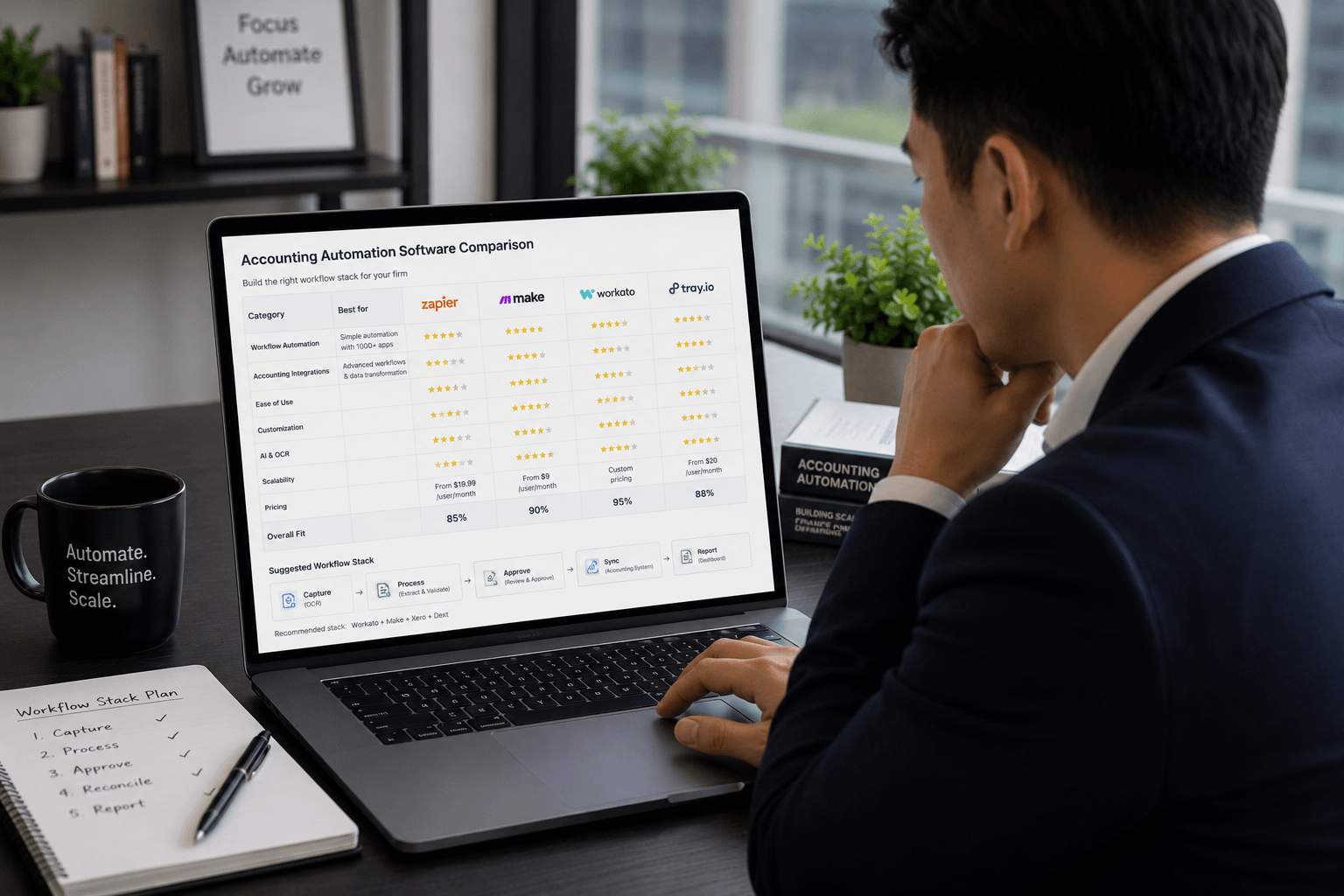
The accounting automation software market has grown crowded. Every tool claims to save time, reduce errors, and free your team from manual work. Most of them do some of that. Fewer of them do it cleanly, affordably, and in a way that actually fits how a small accounting or bookkeeping firm operates.
This guide covers the accounting automation tools worth knowing about in 2026, organised by what each one actually does, and what to look for before committing to anything.
What Is Accounting Automation Software?
Accounting automation software is any tool that handles repetitive, rule-based accounting and bookkeeping tasks automatically, without requiring manual input at each step. This includes transaction categorisation, invoice chasing, document capture, client communication workflows, reconciliation, and the handoffs between tools in a firm’s tech stack.
The category is broad. Some accounting automation tools are features built into existing accounting platforms like Xero or QuickBooks Online. Others are standalone tools that connect to your accounting software and extend what it can do. The most powerful setups combine both: AI features inside the accounting software handling data processing, and a workflow automation platform handling the communication and coordination tasks around it.
Accounting Automation Tools by Category
Understanding which tools belong to which category helps avoid buying something you already have or picking the wrong tool for the job.
Built-In Accounting Software Automation
The most accessible starting point for most firms is the automation already built into their core accounting software.
Xero includes AI transaction categorisation, bank feed reconciliation, invoice reminders (basic), and automated reporting. For firms already on Xero, these features are available within the existing subscription. The bank feed matching and categorisation alone removes a significant portion of manual bookkeeping work.
QuickBooks Online offers comparable AI categorisation features, bank feed automation, and basic invoice reminders. Its automated bookkeeping tools have improved steadily and cover most standard workflows for small business clients.
Both platforms have APIs that third-party automation tools can connect to, which is what makes the broader automation stack possible.
Document Capture and Processing Tools
These tools automate the data extraction side of bookkeeping, removing the manual entry involved in processing receipts, invoices, and bills.
Dext is the most widely used document capture tool among accounting firms. Clients submit documents via mobile app, email, or direct upload. The AI extracts supplier name, date, amount, and tax data, then pushes it to Xero or QuickBooks Online automatically. For firms handling high volumes of receipts and invoices, Dext is the standard choice.
AutoEntry is a strong alternative with pay-per-use pricing, which suits smaller practices or those with variable document volumes. Accuracy and integration quality are comparable to Dext.
Hubdoc handles automatic fetching of recurring documents, including bank statements, utility bills, and supplier invoices, from connected accounts. Included with certain Xero plans, it’s useful for reducing the manual document collection burden for clients with predictable recurring documents.
Workflow Automation Platforms
This category covers the tools that connect everything else and handle the multi-step workflows that built-in accounting software automation cannot.
n8n is the most capable workflow automation platform for accounting firms that want full control over their data and processes. It connects to Xero, QuickBooks Online, practice management tools, email, Slack, WhatsApp, and virtually any tool with an API. It can be self-hosted, which is important for firms with data residency requirements. The visual workflow builder handles complex conditional logic, branching sequences, and multi-tool coordination without requiring code.
For accounting firms building automated invoice chasing sequences, client onboarding workflows, document collection chase-ups, and reporting notifications, n8n is the platform most capable of handling all of these together.
Zapier is simpler to set up than n8n and covers a wider library of pre-built app integrations. It’s well-suited for straightforward, linear workflows where simplicity matters more than depth. The per-task pricing model becomes expensive at scale, which is the main reason growing firms tend to move to n8n as their automation needs increase.
Make (formerly Integromat) sits between n8n and Zapier in terms of flexibility and complexity. It’s more visual than n8n and handles multi-step workflows more cleanly than Zapier, but it lacks n8n’s self-hosting option.
Practice Management and Client Portal Tools
Practice management platforms include workflow automation as part of their broader feature set, covering the internal task and client communication side of running a firm.
TaxDome includes built-in automation for moving jobs through workflow stages, sending client reminders, and triggering tasks based on events. Its client portal removes the email-based document exchange that consumes significant staff time in most firms.
Karbon covers team workflow visibility and task automation across multi-person teams. Its automation handles recurring work creation, deadline reminders, and status-based triggers within the practice management context.
Financial Cents is the most affordable entry point in this category, covering workflow automation, client portal, and recurring task management for small firms.
Automated Bookkeeping Software vs Workflow Automation: What’s the Difference?
This distinction matters when evaluating what to buy.
Automated bookkeeping software handles the data: categorising transactions, extracting document data, reconciling bank feeds, and generating reports. Xero, QuickBooks Online, Dext, and AutoEntry fall into this category.
Workflow automation software handles the coordination: sending emails, creating tasks, notifying team members, triggering sequences, and keeping tools in sync. n8n, Zapier, and Make fall into this category.
Most accounting firms need both. Automated bookkeeping software handles what happens inside the accounting platform. Workflow automation handles what happens between tools and between the firm and its clients.
Trying to do everything with one type of tool leads to either an accounting platform being pushed to do things it’s not designed for, or an automation platform being used to process financial data it’s not suited to handle. The most effective setups use each category for what it’s built for.
What to Look for in Accounting Automation Software
Integration with your existing stack. Any tool that doesn’t connect to Xero or QuickBooks Online, your practice management software, and your email platform adds friction rather than removing it. Check native integrations first, then API availability for custom connections.
Data residency and security. Accounting firms handle sensitive client financial data. Tools that store or process this data should be evaluated for where data lives and under what terms. Self-hosted options like n8n give the most control. Cloud-based tools should be assessed against your firm’s data protection obligations.
Pricing model at scale. Per-task pricing compounds quickly as automation volume grows. Tools with flat monthly pricing or execution-based pricing are generally more predictable for firms running high-frequency workflows across many clients.
Support and reliability. Automation workflows that fail silently are worse than no automation at all. Before committing to any platform, check what monitoring and alerting capabilities exist, and what support is available when something breaks.
Building an Accounting Automation Software Stack That Works
The firms that get the most from accounting automation are not the ones with the most tools. They’re the ones that have connected the right tools together and built workflows that cover their actual pain points.
A practical accounting automation stack for a small to mid-sized firm looks like this:
Core accounting software: Xero or QuickBooks Online with AI categorisation active and bank feeds connected.
Document capture: Dext or AutoEntry for receipt and invoice processing, removing manual data entry from the client-to-firm document flow.
Workflow automation: n8n connecting everything together, running invoice chasing, onboarding sequences, reporting notifications, and deadline reminders automatically in the background.
Practice management: TaxDome, Karbon, or Financial Cents for job tracking, task management, and client portal, integrated with n8n so status updates and completions trigger the right follow-on actions.
This stack covers the full range of accounting automation without introducing redundant tools or requiring technical expertise to maintain once set up.
FAQ
What is accounting automation software?
Accounting automation software refers to tools that handle repetitive, rule-based accounting and bookkeeping tasks automatically. This includes AI transaction categorisation built into platforms like Xero and QuickBooks Online, document capture tools like Dext and AutoEntry, workflow automation platforms like n8n and Zapier, and practice management tools like TaxDome and Karbon. The most effective setups combine tools from each category rather than relying on a single platform.
What are the best accounting automation tools in 2026?
The most widely used accounting automation tools for small to mid-sized firms in 2026 are Xero and QuickBooks Online for core accounting with AI features, Dext and AutoEntry for document capture, n8n and Zapier for workflow automation, and TaxDome, Karbon, or Financial Cents for practice management. The right combination depends on firm size, existing tools, and which workflows are the highest priority to automate.
What is the difference between automated bookkeeping software and workflow automation?
Automated bookkeeping software handles financial data processing: transaction categorisation, document extraction, bank reconciliation, and reporting. Workflow automation software handles coordination between tools and between the firm and its clients: sending reminders, creating tasks, triggering sequences, and keeping data in sync across platforms. Most accounting firms need both categories working together to cover the full range of automation opportunities.
How much does accounting automation software cost?
Costs vary significantly by tool and usage volume. Xero and QuickBooks Online include AI automation features within their standard subscription pricing. Dext starts at around $30 to $50 per month for small practices. n8n’s cloud plan starts at around $24 per month, with self-hosted being free beyond server costs. Zapier’s paid plans start at around $20 per month for basic use but scale significantly with task volume. Practice management platforms like TaxDome and Karbon range from $50 to $80 per user per month. Always verify current pricing directly with each vendor.
Can small accounting firms benefit from accounting automation software?
Yes. Small accounting firms often benefit more from automation than larger ones because the ratio of admin time to billable time is higher when the team is small. Automating invoice chasing, client onboarding, and monthly reporting notifications for a five-person firm can recover 15 to 20 hours of staff time per month at relatively low tool cost. The setup investment is front-loaded; the ongoing return compounds every month.
What accounting tasks can be automated with software?
The accounting tasks most commonly automated with software include transaction categorisation, bank reconciliation, receipt and invoice data extraction, invoice chasing and payment reminders, client onboarding sequences, document collection requests, monthly reporting notifications, filing deadline reminders, and data syncing between tools. These are all high-frequency, rule-based tasks that follow consistent patterns and are well-suited to the tools available in 2026.
Getting the Right Accounting Automation Stack in Place
The goal is not to automate everything at once. It’s to identify the workflows that are costing your firm the most time, build those automations properly, and expand from there.
For most accounting firms, that means starting with invoice chasing or client onboarding, getting one workflow running cleanly, and then building the next. The tools exist. The integrations are available. What requires investment is the time to map the workflows, build them correctly, and test them against real client data.
If you want someone to do that for your firm, that’s what we do at Lenworks. We build accounting automation software stacks for small and mid-sized firms, from single workflow builds to full system integrations.
Related reading: Accounting Automation Examples | What Is n8n Workflow Automation?