

A decade ago, accounting technology meant your bookkeeping software and maybe a spreadsheet. Today it covers AI transaction categorisation, automated workflow tools, client portals, practice management platforms, and integration layers that connect all of them together.
For accounting firm owners, keeping up with what’s worth adopting and what’s noise has become a real challenge. This guide covers what accounting technology actually means in 2026, the shifts that matter most for small and mid-sized firms, and how to evaluate new tools without wasting time or money.
What Is Accounting Technology?
Accounting technology refers to the software, platforms, and digital tools that accounting and bookkeeping firms use to manage financial data, client relationships, compliance obligations, and internal workflows.
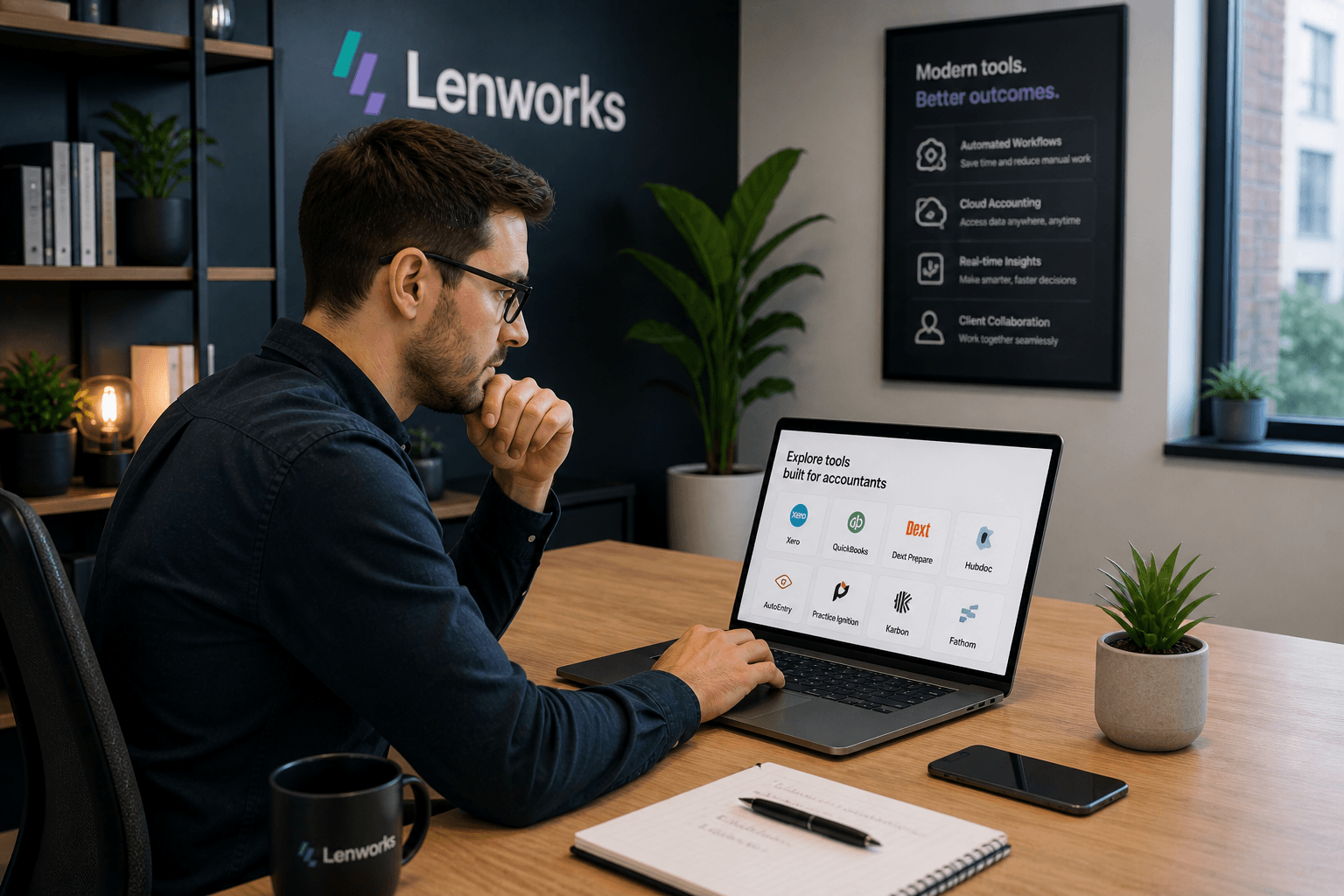
In practice, it spans several categories: core accounting software like Xero and QuickBooks Online, practice management tools like Karbon and TaxDome, document management and e-signature platforms, client portals, AI and automation tools, and the integration layer that connects all of these systems together.
The definition has expanded significantly over the past five years. What used to be a relatively simple software decision, choosing which bookkeeping platform to use, now involves evaluating an ecosystem of connected tools that work together to run a modern firm.
The Biggest Shifts in Accounting Technology in the Last Two Years
Several developments stand out as genuinely significant for small to mid-sized accounting firms. These are not trends for enterprise firms with large IT budgets. They’re changes that affect how a 5 to 15-person practice operates day to day.
AI Has Moved Into Core Accounting Software
The most significant shift is that AI features are no longer a separate product category. They’re built into the tools most accounting firms already use.
Xero and QuickBooks Online now include AI transaction categorisation that handles the majority of routine bookkeeping entries automatically. Document capture tools like Dext and AutoEntry use machine learning to extract data from receipts and invoices with accuracy that was not achievable even three years ago. Bank reconciliation, which used to require significant manual effort, is now largely automated through AI matching against bank feeds.
The implication for firms is that the baseline of what clients expect has shifted. Clients working with tech-forward firms are experiencing faster turnaround and fewer data entry errors. Firms still doing this work manually are working harder to produce the same output.
Automation Has Become Accessible Without Technical Knowledge
Until recently, building automation workflows between tools required developer skills or expensive custom integrations. Platforms like n8n and Zapier have changed this. A non-technical firm owner or practice manager can now build workflows that connect Xero to their practice management tool, trigger onboarding sequences when a client signs an engagement letter, or send automated invoice reminders without writing a line of code.
This is a meaningful shift. Accounting technology is no longer purely about which software you use. It’s increasingly about how well your tools are connected and how much of your repetitive workflow runs automatically.
Practice Management Has Consolidated
The practice management software market has matured significantly. A small number of platforms, primarily TaxDome, Karbon, and Financial Cents, have established clear positions and developed deep feature sets that cover client management, task tracking, document collection, e-signatures, and billing in one place.
For firms that were previously patching together separate tools for each of these functions, the case for consolidating onto a single practice management platform has become stronger. The tradeoff is higher per-user costs, but the reduction in manual data transfer between systems often justifies it.
Client Expectations Around Communication Have Risen
Clients increasingly expect a portal experience rather than email-based document exchange. The popularity of consumer apps has set a baseline for how people expect to interact with their service providers. An accounting firm that still handles document collection via email is competing against firms that offer a dedicated client portal with clear upload prompts, e-signature capability, and real-time status visibility.
This shift does not require a major investment. Most modern practice management platforms include a client portal as standard. The change is in adopting the tools that make the experience possible.
Key Accounting Technologies Reshaping Firms Right Now
AI Transaction Categorisation
AI categorisation tools analyse transaction patterns and apply the correct accounting categories automatically. The best implementations learn from corrections over time, improving accuracy as they process more of a specific client’s data. For bookkeeping-heavy practices, this technology has reduced the time spent on data entry significantly.
The important nuance is that AI categorisation still requires human review, particularly for unusual transactions, split allocations, and anything outside the normal pattern. The role of the bookkeeper shifts from categorising to reviewing and correcting, which is a faster and higher-value use of time.
Workflow Automation
Workflow automation connects the tools in a firm’s tech stack and handles the handoffs between them automatically. When a new client is marked as active in a practice management tool, the automation sends the welcome email, creates the document request, and sets up the internal job record. When an invoice goes overdue in Xero, the automation sends a reminder sequence without anyone checking the aged debtors report.
This category of accounting technology has the clearest and most immediate ROI for most small to mid-sized firms. The tools exist, the integrations are available, and the time savings are measurable within the first billing cycle.
Cloud-Based Practice Management
Modern practice management platforms have replaced the combination of email, shared drives, and spreadsheets that many firms still rely on for tracking client work. The cloud-based approach means the whole team has real-time visibility into what’s in progress, what’s overdue, and what’s waiting on client input, without anyone having to manually update a status tracker.
The impact on team efficiency is significant, particularly for firms where multiple people work with the same client. Karbon’s collaborative inbox, for example, threads all client communication against the relevant client record, eliminating the situation where one team member doesn’t know what another has already sent.
Document Automation and E-Signatures
Engagement letters, tax returns, financial statements, and consent forms all need to be signed. Moving this process from printed documents or PDF email attachments to a digital workflow with built-in e-signature capability removes friction for both the firm and the client. Most practice management platforms now include this natively, and standalone tools like DocuSign and Adobe Sign integrate cleanly with the rest of the stack.
What This Means for Small and Mid-Sized Accounting Firms
The accounting technology landscape in 2026 is more capable and more accessible than it has ever been. The challenge for small and mid-sized firms is not access to good tools. It’s knowing which changes are worth making now and which can wait.
The highest-priority investments for most firms fall into three areas. First, ensuring your core accounting software is a current cloud-based platform with AI features active. If your firm is still using desktop software or a legacy cloud platform without AI categorisation, this is the most impactful upgrade available.
Second, connecting your tools through an automation layer so that repetitive handoffs happen automatically. Invoice chasing, client onboarding sequences, and monthly reporting notifications are all automatable with current tools at reasonable cost.
Third, adopting a practice management platform if you’re currently managing client work through email and spreadsheets. The visibility and efficiency gains are significant, and the leading platforms have matured to the point where the implementation risk is manageable.
How to Evaluate New Accounting Technology Without Wasting Time or Money
New accounting software launches constantly. The evaluation process most firms use, watching a vendor demo and checking the pricing page, is not sufficient for making a good decision.
A more reliable approach starts with mapping the problem you’re trying to solve before looking at any tools. If the problem is that invoice reminders aren’t going out consistently, the solution might be an automation workflow rather than new software. If the problem is that the team has no visibility into what’s in progress, practice management software addresses that directly.
From there, check integrations before features. A tool with a strong feature set that doesn’t connect to Xero, your CRM, or your email adds work rather than removing it. The best accounting technology fits into your existing stack, not around it.
Finally, trial on real data. Vendor demos use clean, curated data that rarely reflects the messiness of real client records. Most platforms offer a 14-day free trial. Run your actual workflow through it before committing.
FAQ
What is accounting technology?
Accounting technology refers to the software and digital tools that accounting and bookkeeping firms use to manage financial data, client relationships, compliance obligations, and internal workflows. It includes core accounting software like Xero and QuickBooks Online, practice management platforms, AI automation tools, client portals, e-signature tools, and the integration layers that connect these systems together.
What technology do accountants use?
Accountants most commonly use cloud-based accounting software such as Xero, QuickBooks Online, or Sage for bookkeeping and financial reporting. Practice management platforms like Karbon, TaxDome, or Financial Cents handle client and workflow management. Document capture tools like Dext or AutoEntry handle receipt and invoice processing. Automation platforms like n8n or Zapier connect these tools and handle repetitive workflows automatically.
How is AI changing the accounting industry?
AI is changing the accounting industry primarily by automating the structured, data-heavy parts of accounting work. Transaction categorisation, bank reconciliation, document data extraction, and standard report generation are now handled largely automatically by AI features built into tools like Xero and QuickBooks Online. This shifts the accountant’s role from manual data processing toward review, advisory work, and client relationship management.
What is the future of accounting technology?
The near-term future of accounting technology points toward deeper AI integration in core accounting software, broader adoption of automation for client-facing workflows, and continued consolidation in the practice management software market. Firms that build connected, automated tech stacks now will have a structural efficiency advantage over firms that continue to rely on manual processes.
What accounting software should a small firm use in 2026?
For most small accounting and bookkeeping firms in 2026, Xero or QuickBooks Online is the right choice for core accounting software. Both have strong AI categorisation features, clean bank feed integrations, and broad third-party tool support. For practice management, Financial Cents is the most cost-effective option for smaller teams, while TaxDome and Karbon are stronger for firms that want a more comprehensive platform.
Taking Stock of Your Current Stack
Most accounting firms are not starting from zero when it comes to accounting technology. They have tools in place. The question is whether those tools are connected, whether the repetitive workflows between them are automated, and whether the client experience they enable matches what clients now expect.
If there are obvious gaps, the highest-value place to start is usually the automation layer: getting the tools you already have working together before adding anything new.
If you want help identifying where your firm’s tech stack has gaps and building the automation workflows to close them, that’s what we do at Lenworks.
Related reading: The Accounting Firm Tech Stack Guide | How to Automate Your Accounting Firm
1 Response on this post
Comments are closed.